
Creating videos for TikTok and Instagram Reels used to take time and editing skills. Today, AI tools make it easy to turn simple photos into eye catching videos in minutes. These tools help creators, businesses, and beginners make engaging content without advanced skills.
In this blog, we explore the best AI tools that can convert photos into videos and help you grow on social media.
Why Use AI for Photo to Video
AI tools can turn still images into dynamic videos with motion, text, and music. This helps increase engagement and saves time.
Short form video is now one of the most powerful ways to reach audiences. Many tools now offer features like templates, captions, and automatic editing for platforms like TikTok and Reels.
Top AI Tools for Photo to Video
1. ZenCreator
👉 https://zencreator.pro/image-to-video
ZenCreator is one of the best tools for turning images into short videos. It is built for social media and supports formats like TikTok and Reels.
Key features:
- Ready to use templates
- Auto captions and timing
- Beat sync for music
- Fast export for social platforms
It allows users to upload images and quickly create engaging videos without editing experience.
2. Reelsy AI
Reelsy is designed for social media content creation. It focuses on creating consistent and high quality videos.
Key features:
- Character consistency across videos
- Fast video generation
- Built in voice and script tools
- Optimized for TikTok and Reels
It is useful for creators building a brand or series of videos.
3. Pictory
Pictory is great for turning written content and images into videos.
Key features:
- Blog to video conversion
- Auto captions and subtitles
- Large stock image and video library
It is ideal for marketers and bloggers who want to reuse content as video.
4. CapCut
CapCut is one of the most popular tools for TikTok creators. It is easy to use and has powerful AI features.
Key features:
- Templates and transitions
- AI captions and effects
- Direct integration with TikTok
CapCut is widely used because it supports fast editing and trending styles.
5. Canva AI Video Generator
Canva is a beginner friendly tool that allows you to turn images into videos using drag and drop features.
Key features:
- Simple interface
- Social media templates
- Brand kits for businesses
It is a good option for beginners and small businesses creating quick content.
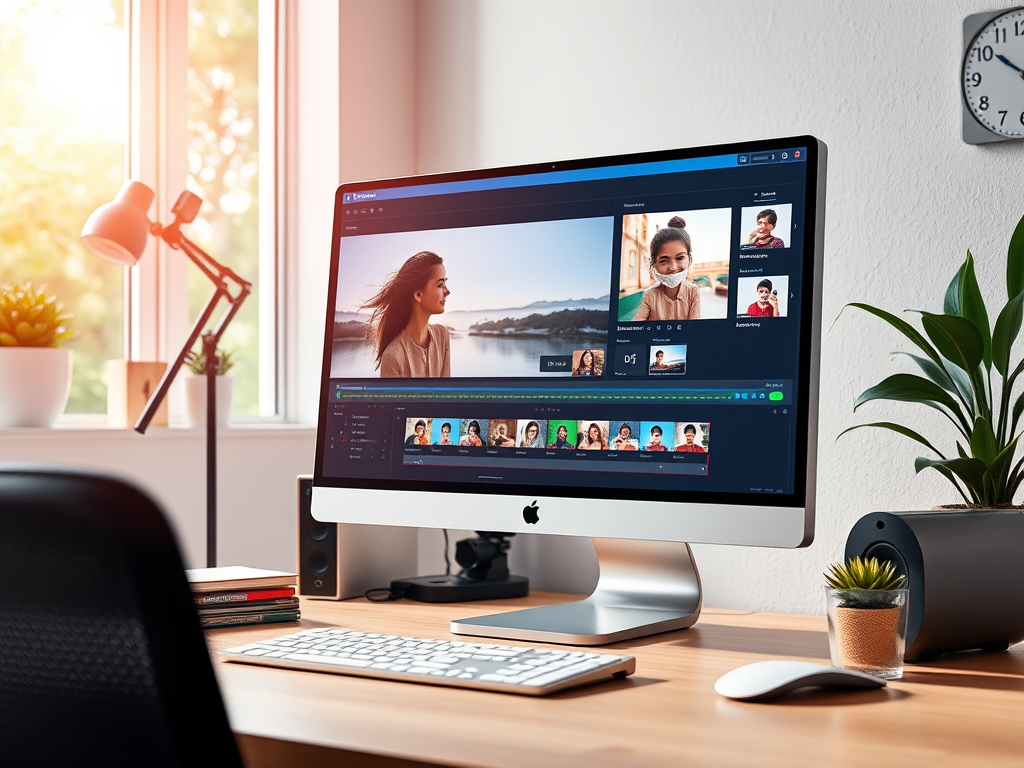
How to Choose the Right Tool
When choosing an AI tool, think about your needs:
- Use ZenCreator for fast image to video creation
- Use Reelsy for brand focused content
- Use Pictory for blog and content repurposing
- Use CapCut for editing and trends
- Use Canva for simple and quick designs
Each tool offers different strengths, so you can mix and match based on your workflow.
Future of Photo to Video AI
AI video tools are improving quickly. Platforms like TikTok are already adding features that can turn photos into videos using simple prompts.
This shows that AI video creation will become even easier and more powerful in the future.
Final Thoughts
AI tools are changing how we create content for TikTok and Reels. You no longer need expensive software or editing skills. With just a few photos and the right tool, you can create engaging videos in minutes.
If you want to grow on social media, learning how to use these tools can give you a big advantage.
👍 Like this blog if you found it helpful
🔁 Share it with others
🔔 Subscribe for more tips on AI and digital content creation
 The Wise Report
Leave a comment