Design used to feel hard. You needed special software, training, and a lot of time. Canva changed that. Today, anyone can create great designs in minutes, even with zero design background.
Canva is an online design platform that helps you make social media posts, presentations, posters, videos, resumes, and more. It works right in your browser and also has mobile apps. You can check it out here: Canva
What Makes Canva So Easy to Use
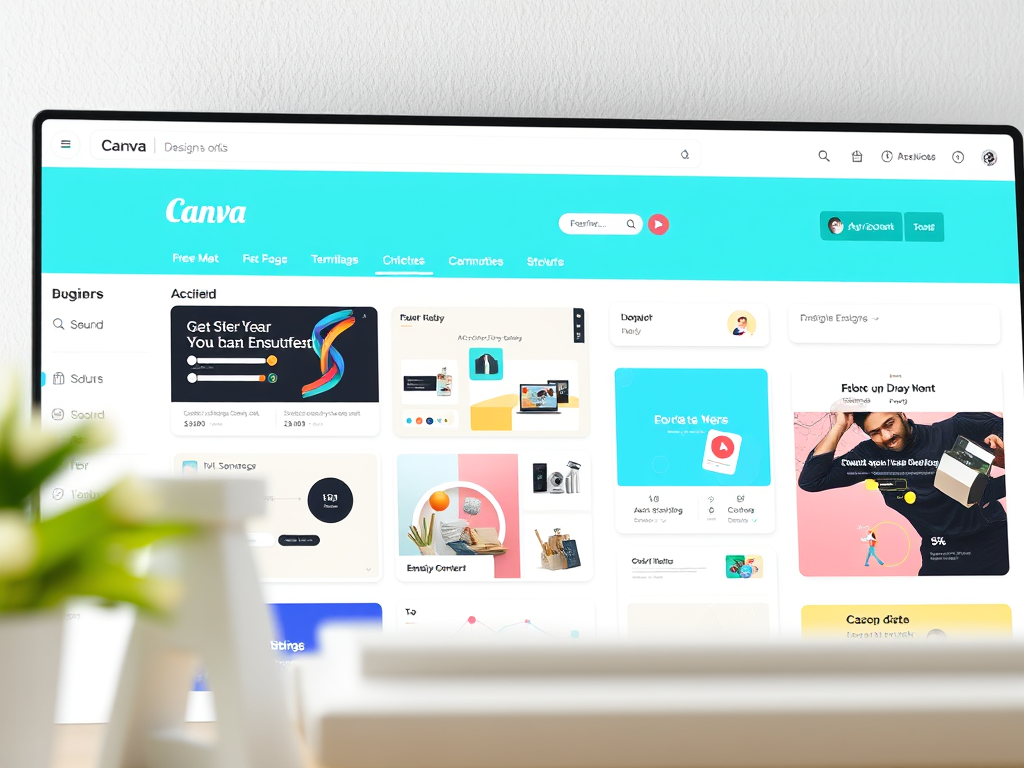
Canva is built for beginners. You start with thousands of ready made templates. You just click, edit text, change colors, and download. No confusing menus. No steep learning curve.
It also comes with a huge library of photos, icons, videos, and fonts. Many are free, and the paid version unlocks even more. Everything is drag and drop, which makes design feel simple and fun.
Another big win is teamwork. You can share designs, leave comments, and work together in real time. This is great for businesses, teachers, and content creators.
Canva vs Other Design Tools
Here is a simple infographic style comparison to show how Canva stands out.
Infographic: Canva Compared to Similar Tools
| Feature | Canva | Adobe Express | PowerPoint | Figma |
|---|---|---|---|---|
| Beginner friendly | Yes | Mostly | Yes | No |
| Templates included | Very many | Many | Few | Few |
| Works in browser | Yes | Yes | No | Yes |
| Social media focus | Strong | Medium | Weak | Weak |
| Team collaboration | Easy | Limited | Limited | Strong |
| Best for | Everyone | Light designers | Presentations | Pro designers |
Popular Canva Alternatives
Canva is great, but it is not the only option. Here are some popular alternatives with links so you can explore.
Adobe Express is good if you already use Adobe tools. It feels more powerful but less simple.
PowerPoint works well for slides and basic visuals, especially in offices. It is not ideal for social media design.
Figma is excellent for UI and web design teams. It is powerful but harder to learn for beginners.
Why Canva Still Stands Out
Canva wins because it balances power and simplicity. You can design fast, look professional, and work from anywhere. It saves time and removes stress. That is why students, small businesses, marketers, and creators all use it.
If you want to design without feeling overwhelmed, Canva is a smart place to start.
Like, share, and subscribe for more simple tech tips and creative tools.
 The Wise Report
Leave a comment