
Artificial intelligence is changing how we create digital content, and Adobe Firefly is leading that change. Designed by Adobe, Firefly is an AI-powered image generation tool made for designers, marketers, content creators, and developers. Unlike many other AI image tools, Firefly focuses on commercial safety, creative control, and deep integration with Adobe’s ecosystem.
In this blog post, we’ll explore what Adobe Firefly is, how it works, and why it stands out from other AI image creation tools like Midjourney, DALL·E, and Stable Diffusion.
What Is Adobe Firefly?
Adobe Firefly is a generative AI tool that allows users to create images, text effects, and designs using simple text prompts. It is built directly into Adobe products like Photoshop, Illustrator, and Adobe Express, making it easy to use within existing creative workflows.
You can access Firefly through Adobe’s official site.
Firefly uses Adobe’s own AI models trained on licensed content, Adobe Stock images, and public domain data. This makes it a safer option for businesses and professionals who need images they can legally use.
Key Features of Adobe Firefly
Adobe Firefly offers several tools that appeal to both beginners and advanced users:
- Text-to-Image Generation – Turn written prompts into high-quality images.
- Generative Fill – Add, remove, or replace parts of an image in Photoshop using AI.
- Text Effects – Apply creative textures and styles to typography.
- Style and Aspect Controls – Fine-tune lighting, mood, camera angle, and image size.
Because Firefly is built into Adobe apps, users don’t need to switch platforms or learn a new interface.
Benefits of Adobe Firefly Over Other AI Image Tools
1. Commercial Safety
One of Firefly’s biggest advantages is commercial-use safety. Many AI tools do not clearly state where their training data comes from. Firefly is trained on licensed sources, which reduces legal risks.
This is especially important for businesses, agencies, and YouTubers who monetize content.
Learn more about Adobe’s AI ethics.
2. Deep Adobe Integration
Unlike tools such as Midjourney or DALL·E, Firefly works inside Photoshop and Illustrator. This saves time and keeps your workflow smooth.
For example, you can generate an image and instantly edit it using layers, masks, and filters—no downloads needed.
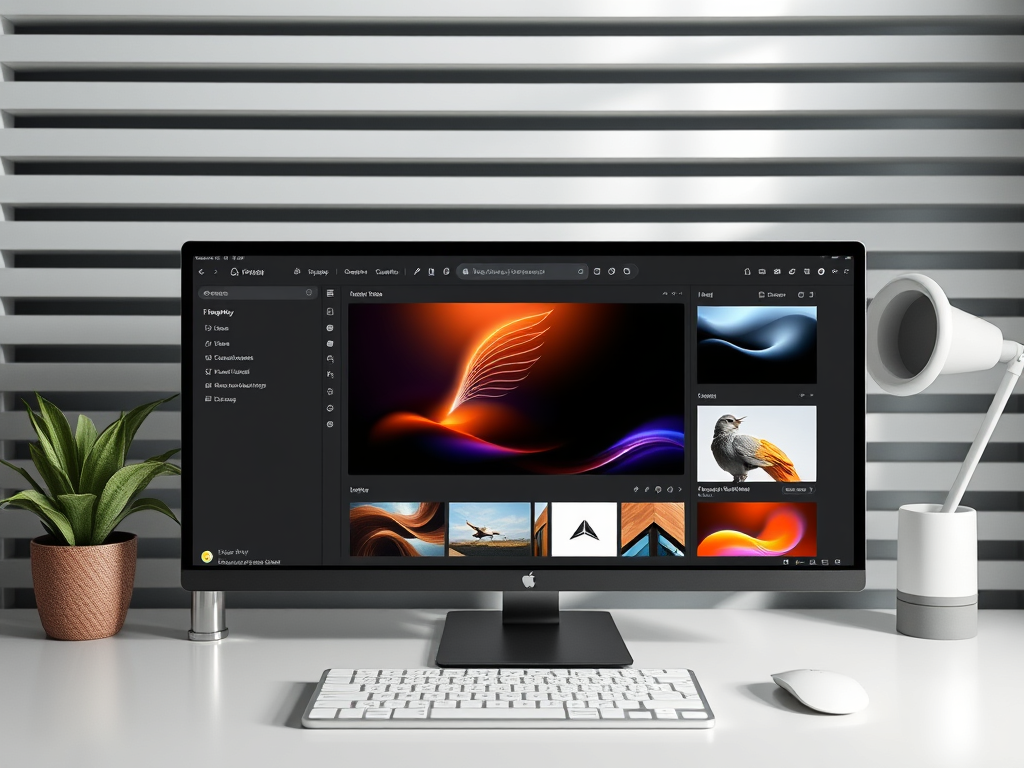
3. Better Creative Control
Firefly offers sliders and settings that let users control style, color, lighting, and realism. This makes it easier to get results that match your brand or project needs.
Other AI tools often rely only on prompt wording, which can be unpredictable.
4. Designed for Professionals
Adobe Firefly is built with designers and marketers in mind, not just hobby users. It supports branding, social media content, ads, thumbnails, and presentations.
If you already use Adobe Creative Cloud, Firefly feels like a natural upgrade.
Who Should Use Adobe Firefly?
Adobe Firefly is ideal for:
- Graphic designers
- Content creators and YouTubers
- Digital marketers
- Social media managers
- Small business owners
- UI/UX designers
If your work depends on high-quality visuals and legal peace of mind, Firefly is a strong choice.
Final Thoughts
Adobe Firefly is more than just another AI image generator. It’s a professional-grade creative tool built for real-world use. With commercial safety, deep Adobe integration, and advanced creative controls, Firefly clearly stands out from other AI image creation tools.
As AI continues to shape the future of design, Adobe Firefly proves that powerful technology can also be responsible, user-friendly, and production-ready.
If you found this article helpful, like, share, and subscribe for more tech insights, AI tools, and digital creativity tips 🚀
 The Wise Report
Leave a comment