In the rapidly evolving world of AI-assisted development, Claude AI by Anthropic has emerged as one of the most capable and developer-friendly tools available. Known for its reasoning abilities, safety-focused design, and massive context window, Claude has become a powerful coding companion for beginners and experts alike.
Whether you’re debugging complex systems, generating boilerplate code, or architecting large-scale applications, Claude consistently delivers clean, readable, and efficient solutions.
Why Developers Love Using Claude for Programming
1. Exceptional Code Understanding
Claude can analyze entire repositories, long files, or large codebases thanks to its extended context window. This makes it ideal for:
- Refactoring legacy code
- Reviewing PRs
- Understanding unfamiliar projects
Try it: Upload a long file and ask Claude to summarize its functionality.
2. Strong Debugging and Error Explanation
Claude excels at identifying logic errors, security flaws, and performance bottlenecks. Its ability to explain issues step-by-step makes it especially valuable for learning.
Example:
“Here’s a Python traceback—explain why this error occurs and how to fix it.”
Claude returns both the root cause and a corrected snippet.
3. Clean, Maintainable Code Generation
Unlike many chatbots that generate overly complex or messy output, Claude focuses on clarity and best practices.
Example: Building a Simple REST API (Python Flask)
Prompt: “Create a simple user API using Flask with GET and POST endpoints.”
Claude’s output:
from flask import Flask, request, jsonify

app = Flask(__name__)
users = []

@app.route('/users', methods=['GET'])
def get_users():
    return jsonify(users)

@app.route('/users', methods=['POST'])
def add_user():
    data = request.get_json()
    user = {"id": len(users) + 1, "name": data['name']}
    users.append(user)
    return jsonify(user), 201

if __name__ == "__main__":
    app.run(debug=True)
Simple, clear, production-ready code.
4. Great for System Design and Architecture
Claude can generate diagrams, explain cloud patterns, and even write Infrastructure-as-Code.
Example prompt:
“Design a scalable microservice architecture using AWS services.”
Claude returns a full breakdown including:
- Load balancing
- Database choices
- Security considerations
- Event-driven integrations
5. Supports Multiple Languages and Frameworks
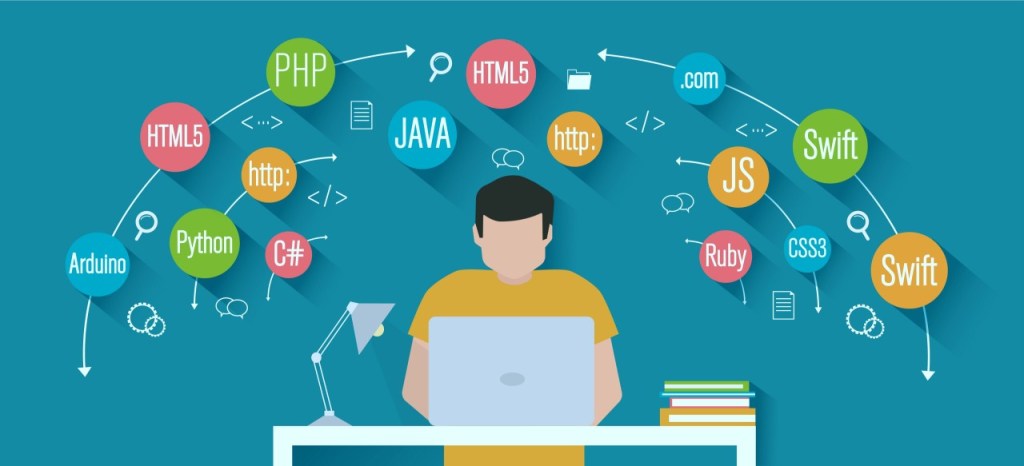
Claude works incredibly well with:
- Python
- JavaScript / TypeScript
- Java
- C#
- Go
- SQL
- Bash
- Terraform
- React, Vue, Angular, Node
- And more…
For official references, see Anthropic’s documentation:
🔗 https://docs.anthropic.com
🔗 https://www.anthropic.com/news
Conclusion
Claude AI has quickly become one of the best assistants for programming due to its clarity, reasoning ability, and developer-focused features. Whether you’re building full-stack applications, debugging complex logic, or learning a new language, Claude is an invaluable partner.
If you’re looking for a coding assistant that writes responsibly, explains clearly, and scales with your projects, Claude is an excellent choice.
If you enjoyed this post, don’t forget to like, share, and subscribe for more AI new and insights!
 The Wise Report
Leave a comment